
Problems submitting vacation requests – what to do?
If your employee reports they can’t submit a vacation request in the RCPonline system, the issue may be caused by your panel configuration. Below you’ll find the most common causes and how to resolve them.
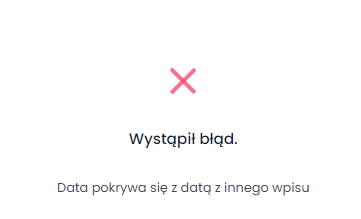
1. Message: “The date overlaps with the date of another entry”
Cause:
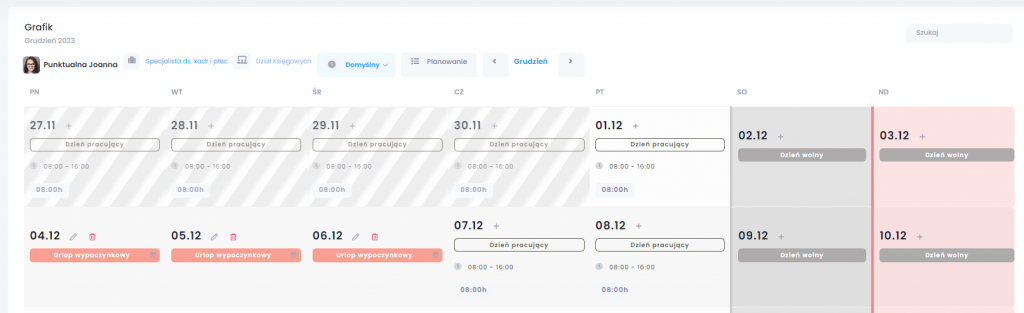
This message appears when, for the period covered by the request, an authorized person (e.g., a manager) has already manually planned time off for that employee. Time off planned by a manager is not visible in the requests preview, but can be seen in the schedule.
Solution:
- Go to the employee’s schedule view.
- Check whether the days covered by the request are already marked as absent (e.g., “annual leave”).
- Remove the planned absences if you want to allow the employee to submit the request themselves.
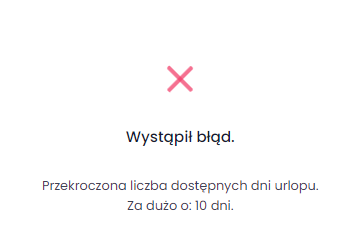
2. Message: “Not enough days off available”
Cause:
The employee is trying to submit a vacation request that exceeds the available limit of leave days assigned to their account.
Solution:
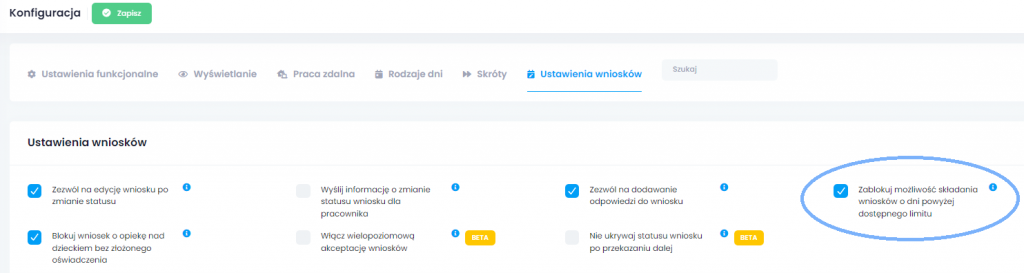
- Check the settings under:
Configuration → Settings → Request settings. - Find the option that blocks submitting requests above the available limit and decide:
- If you allow submitting requests regardless of the limit: Disable the block in the system.
- If the block should remain active: Adjust the employee’s leave day limits in the system.
3. Message: “No declaration submitted”
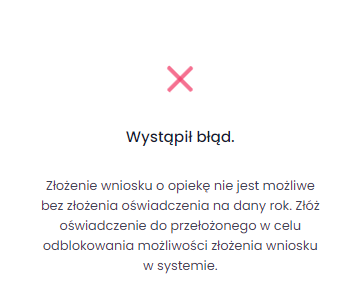
Cause:
Under Article 188 of the Polish Labour Code, an employee is entitled to 2 days of care leave per calendar year to care for a child under the age of 14. In the RCP system, you can require a submitted declaration to use such leave. If the employee hasn’t fulfilled this requirement, the system will block submitting the request.
Solution:
- Check in the settings whether the requirement for a submitted declaration is enabled.
- If a declaration is required, inform the employee to provide and submit it according to company procedures.
- If the requirement can be removed, update the settings in the admin panel.
Additional tips
- Communication with employees:
Regularly inform employees about request submission procedures and document requirements such as declarations. - System settings optimization:
Adjust RCPonline settings to your company’s leave policy to avoid similar issues in the future. - Technical support:
If the problems persist, contact RCPonline support:
📩 E-mail: info@rcponline.pl
📞 Phone: +48 731 220 088